Workday is your new student information system — your portal for all things related to your academic journey at any University of Arkansas institution.
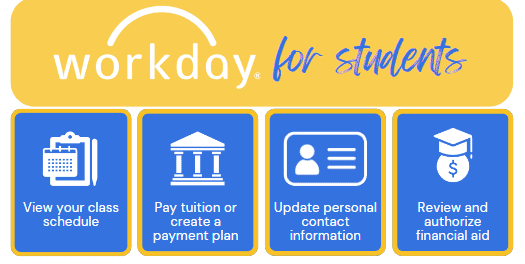
As a student, you will use Workday to explore the course catalog, review your financial aid, view grades, track your academic progress, manage your student account, and pay tuition and fees.
Getting Started
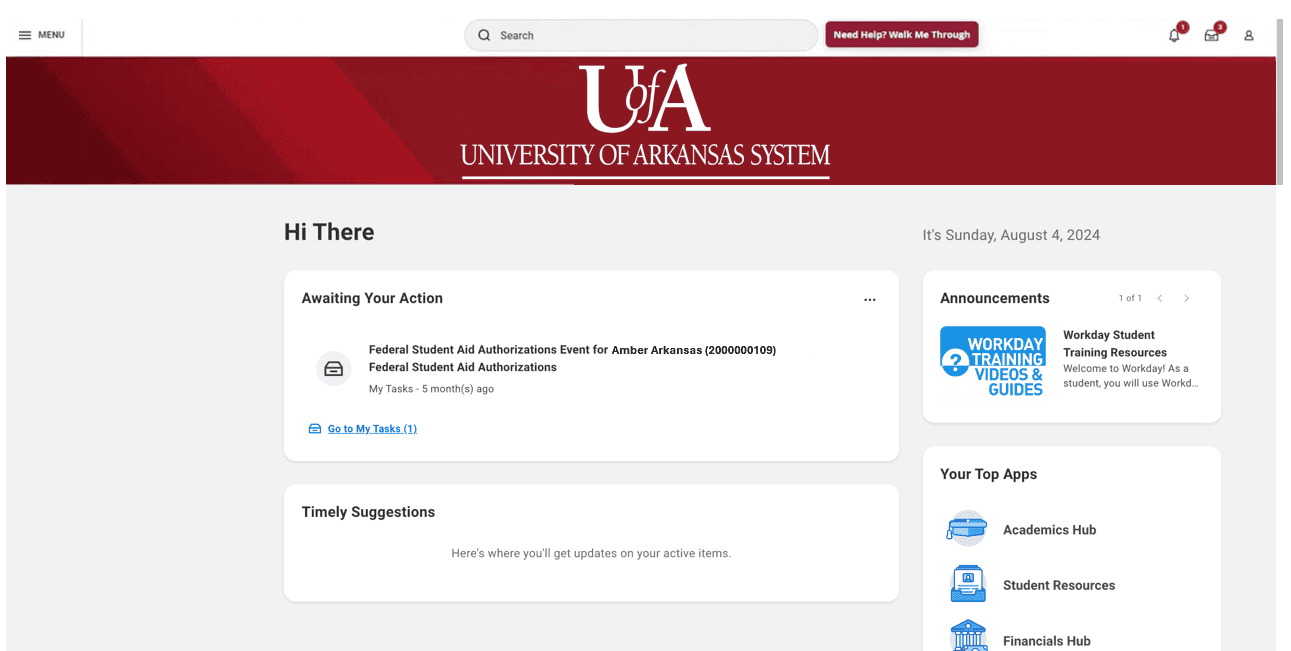
In Workday, you have important tasks to complete as a new student. These items are a required part of the onboarding process and will show up as assignments under My Tasks.
Log in to Workday on a regular basis to review the items that are Awaiting Your Action. It’s important to complete these tasks in a timely manner to avoid registration holds or delays in financial aid packaging.
Logging in to Workday
Before getting started, you will need to activate your school email and password and then follow these steps:
- In a web browser, go to myapps.microsoft.com.
- Log in using your school email and password. Follow the prompts to authenticate using a third party authenticator app or secure code.
- A dashboard with multiple apps will display. Locate the blue app titled “Workday” and select it.
- You are now logged into Workday!
Training Support & Resources
You can find step by step instructions for onboarding and other routine Workday processes on our Workday Training for Students page.
If you need help accessing Workday, reach out to your institution’s help desk for tech support.
Mobile App

The Workday mobile app provides anytime, anywhere access to your Workday account and is available for both Android and iOS devices. Secure, convenient, and user-friendly, it’s the power of Workday in the palm of your hand.
Using the mobile app, you can perform many of the same features of the desktop app, including accessing your class schedule, searching the course catalog, viewing your grades, and managing your personal contact information.